

Connect a computer, server or browser
Every computer, server and browser connects to your account as its own device. Connecting never asks the app for your password.
How it works
-
In the app, click Sign in with your browser (the widget says Continue in browser), or run
timeuno-agent pairon a server.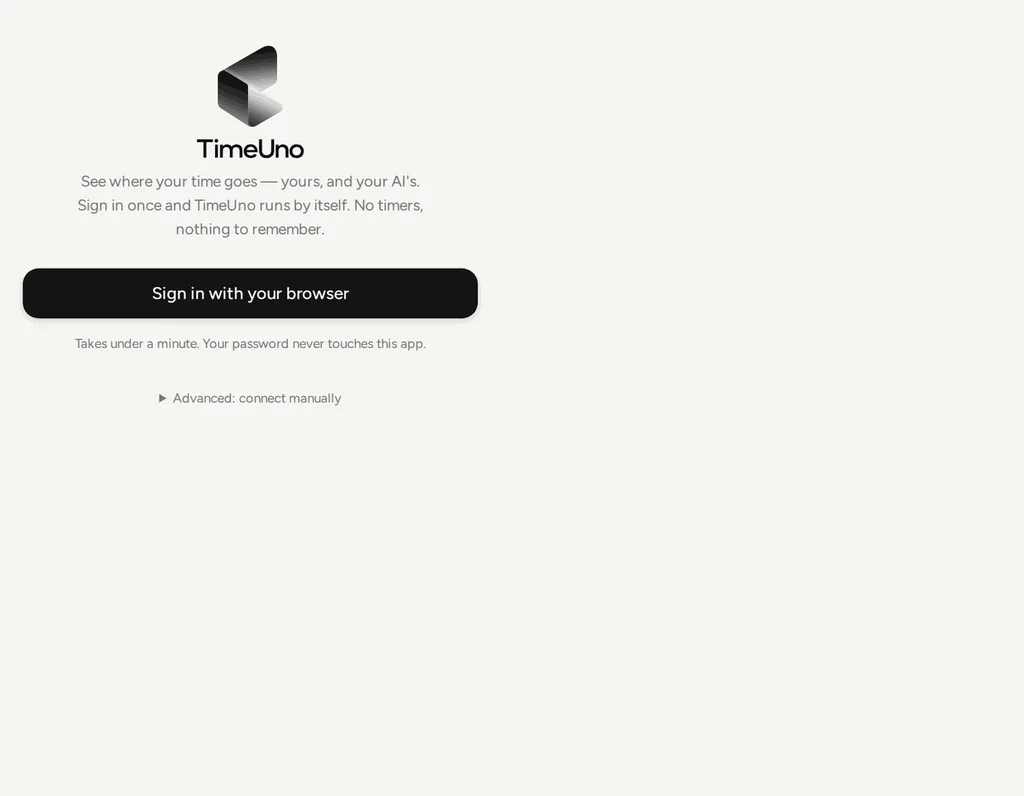
-
A browser tab opens at
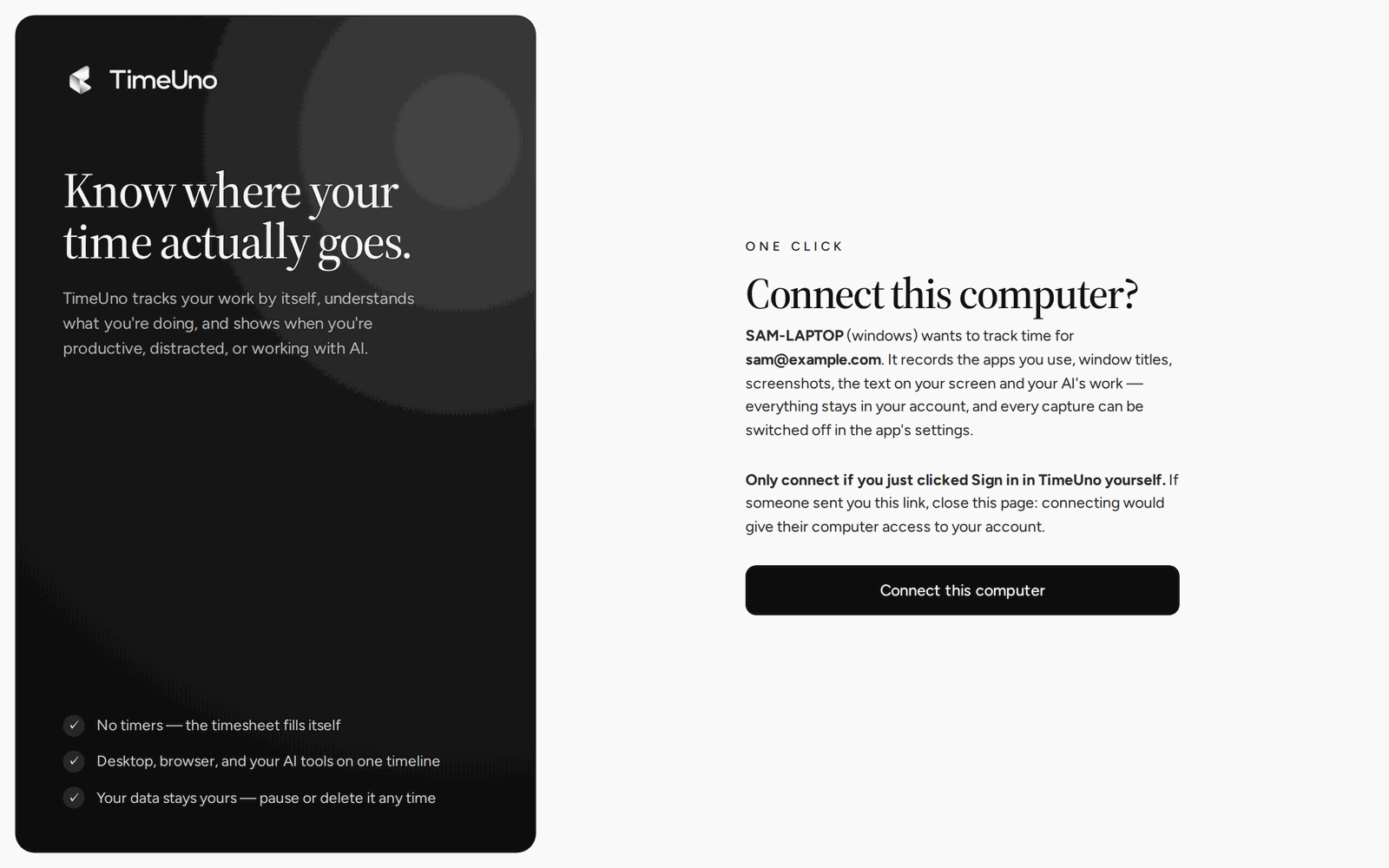
app.timeuno.io/connect-device. Sign in, or create your account. -
The page names the device and the account and asks Connect this computer? Click Connect this computer.
-
The app finishes by itself and shows You’re all set. Click Start tracking. The request expires after 15 minutes.
See and disconnect devices
The Devices page (in the account menu, and under Settings) lists every connected device, when it was last active, and whether it needs an update (Update needed). Disconnect stops that device from sending. It works even if your plan has lapsed, so a lost laptop can always be cut off.